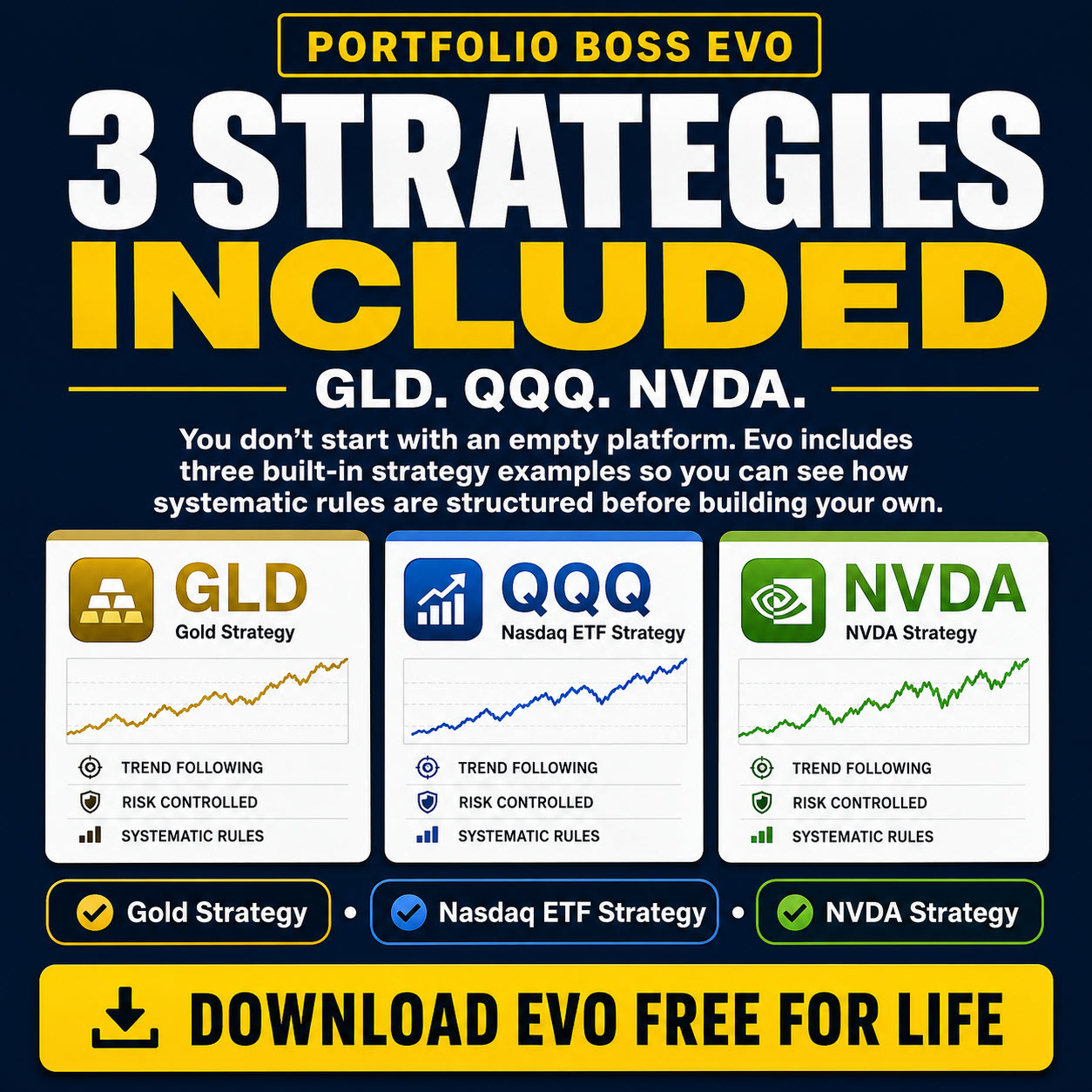
Start with a supplied template, learn where the results appear, and move to account automation only when you are ready. Every Portfolio Boss edition, including the free version, includes the Evo Engine Template, so you can begin using machine learning immediately.
1. Get oriented and let data synchronize
Open Portfolio Boss and allow the initial market-data synchronization to progress. Use the global search field or press Ctrl+F to find a strategy or instrument. Sync Details shows data-download messages. A newly installed application may need substantial data before a backtest can run.
For readability, visit Settings → Appearance. Before building a strategy library, learn the database backup procedure.
2. Open the Evo Engine Template
- Search for Evo Engine Template. Choose the matching strategy result to open it.
- Read the strategy name and description so you know which template you have opened.
- Use Copy when you want a separate working strategy. Give the copy a meaningful name and keep the supplied template available as a reference.
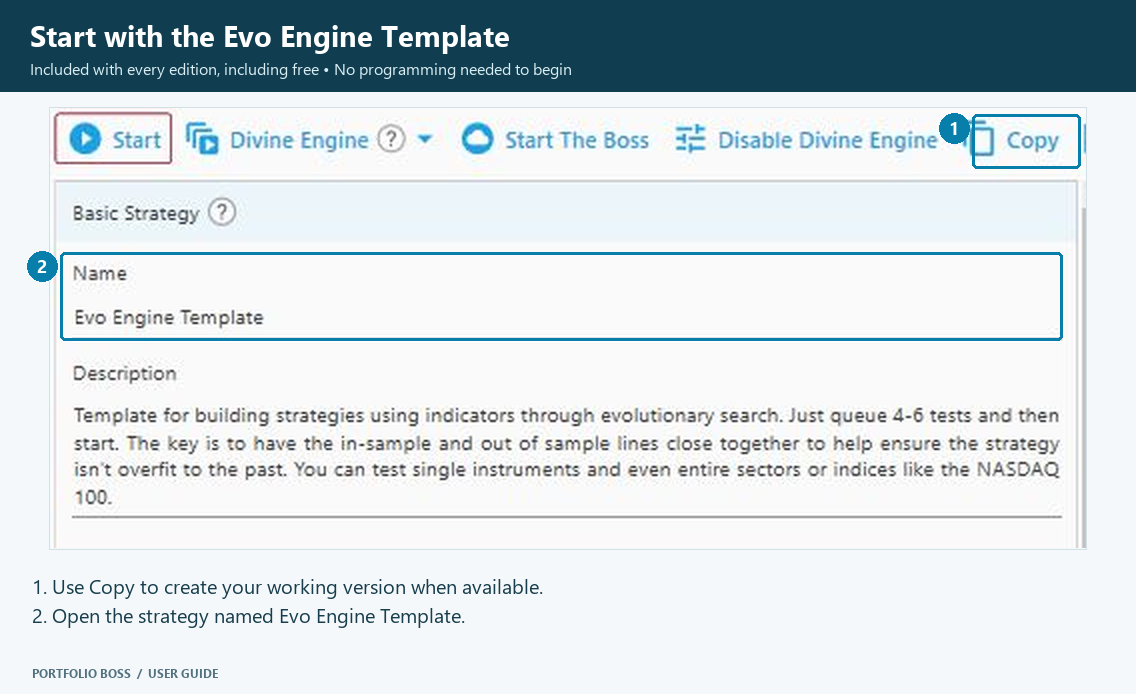
Begin with the template’s guided configuration. You do not need to invent every rule from scratch. Other features, cloud services and available resources can depend on your edition or account.
3. Learn the Strategy Builder
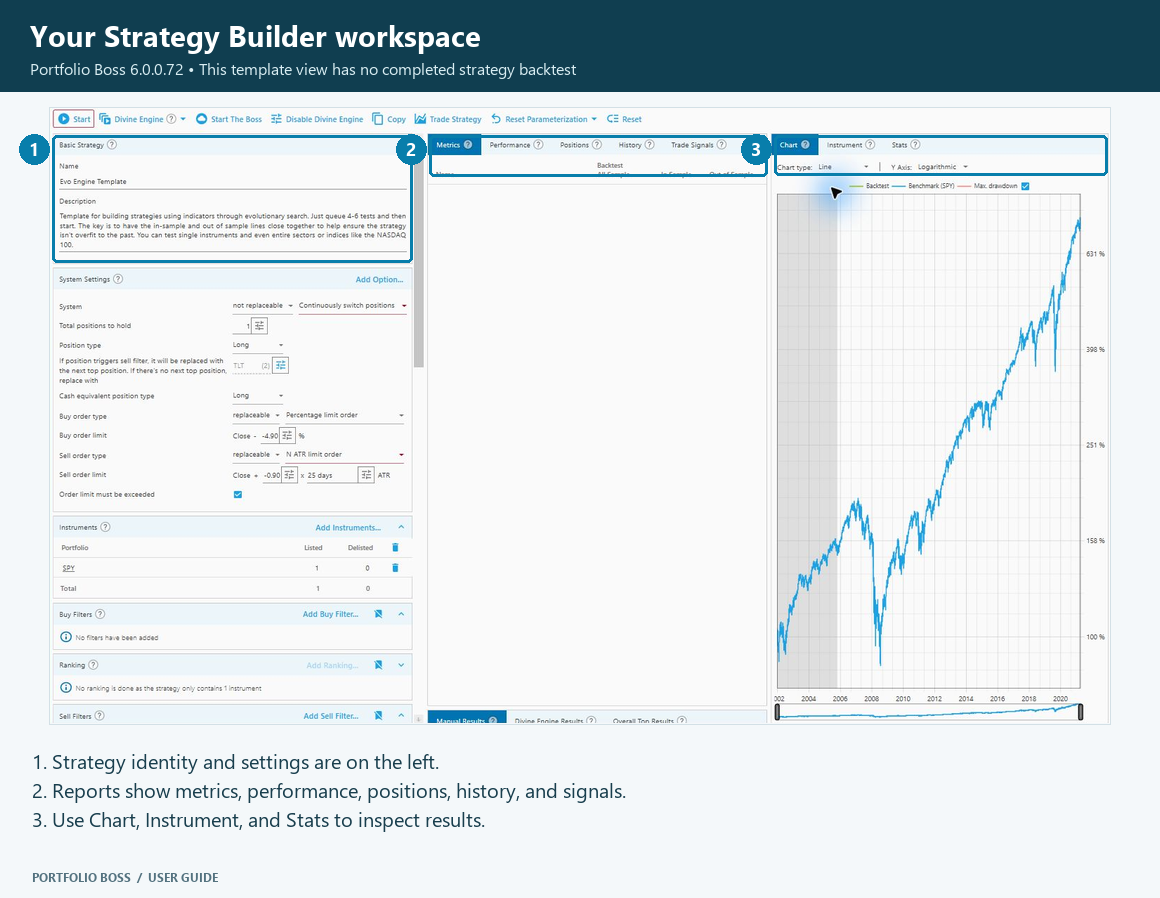
| Area | What to do first |
|---|---|
| Strategy | Check the name and description. |
| Portfolios and rules | Review which instruments and rules the template uses. |
| Backtest | Check the date range, benchmark and reserved test periods. |
| Reports | Use the metrics, chart and result tabs to inspect a completed test. |
The full map is in Strategy Builder Overview. The older guide called this workspace the “Backtest Strategy” page.
4. Review the test setup, then test
Before starting a test, read the Backtest panel. Confirm the historical range and the Super out-of-sample reservation. Keep reserved data out of repeated development decisions.
A manual backtest evaluates the strategy’s current settings. The Divine Engine explores the allowed parameter choices. Use the current test-management guide for starting and monitoring engine work, and test-results guide for inspecting candidates and saving a strategy.
Read results in context: check drawdowns, behavior across periods and the effect of trading assumptions. Historical results describe a simulation; they do not establish what a live account will earn.
5. Keep useful work recognizable
Use clear strategy names, descriptions and result memos. Manual Results helps compare tested configurations, while Managing Your Strategies explains folders, copying, backup and restore. Back up your master database periodically.
6. Move from research to account management
The Trading Dashboard is the current workspace for autonomous portfolio management (APM). It can manage strategy trading through connected Interactive Brokers accounts. Use the account guide to understand the available connection and operating modes before enabling trading.
- Connect and verify the intended account.
- Add the intended strategy and inspect its positions.
- Review funding and rebalancing.
- Review order settings.
- Monitor orders and reconcile actual broker holdings.
Use Settings → Automation for trading-dashboard emails. Current account sizing and order management are covered by the dashboard guides; the older Trade Plan Calculator instructions are retained only as a link to the replacement workflow.