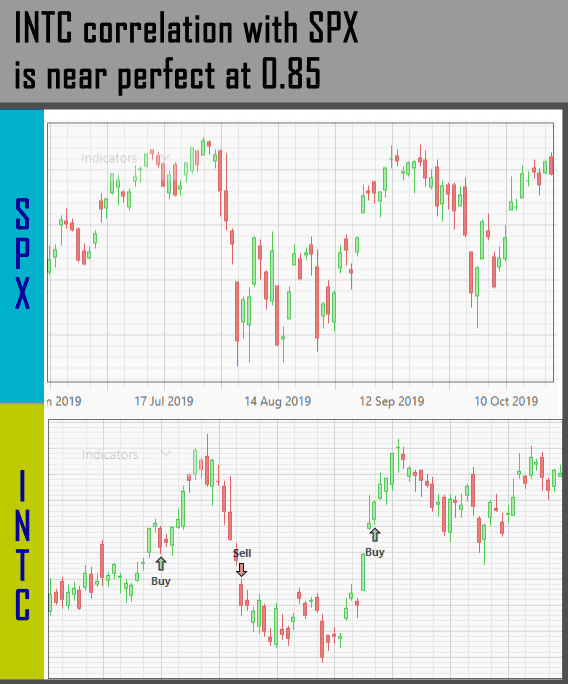
This rule ranks your instruments based on how correlated they are to an index. A higher positive correlation indicates a closer relationship over the selected period. It does not require the instrument and index to move by the same number of points or the same percentage.
Do note, you can specify not just an index as the yardstick, but another instrument as well. For example, if you know an ETF performance is steadily gaining, and you want to look for stocks that mimic this behavior, you can input that ETF’s symbol in this filter.
But beware, ETF or other stocks have a more variable performance than an index, so your strategy may not stay true for the longer term.
1. The first parameter defines whether you’re looking for instruments that have the “Highest” correlation with an Index, or the “Lowest” correlation.

2. The second parameter defines the index that you want to compare against. Simply type in the symbol in here. There’s also a little “chart” icon next to this parameter, which brings you to the Price Chart for that index.

You can actually input instruments other than index here, like an ETF. But make sure that instrument isn’t delisted (indicated by square brackets suffix containing a number), otherwise there’s a warning and the strategy can’t be backtested:

3. The third parameter defines the period for calculating the correlation score (note, an instrument’s correlation with an index continuously changes).

Note
Regarding the “Offset” and “Weight” parameters, please refer to the guide about Ranking Panel.