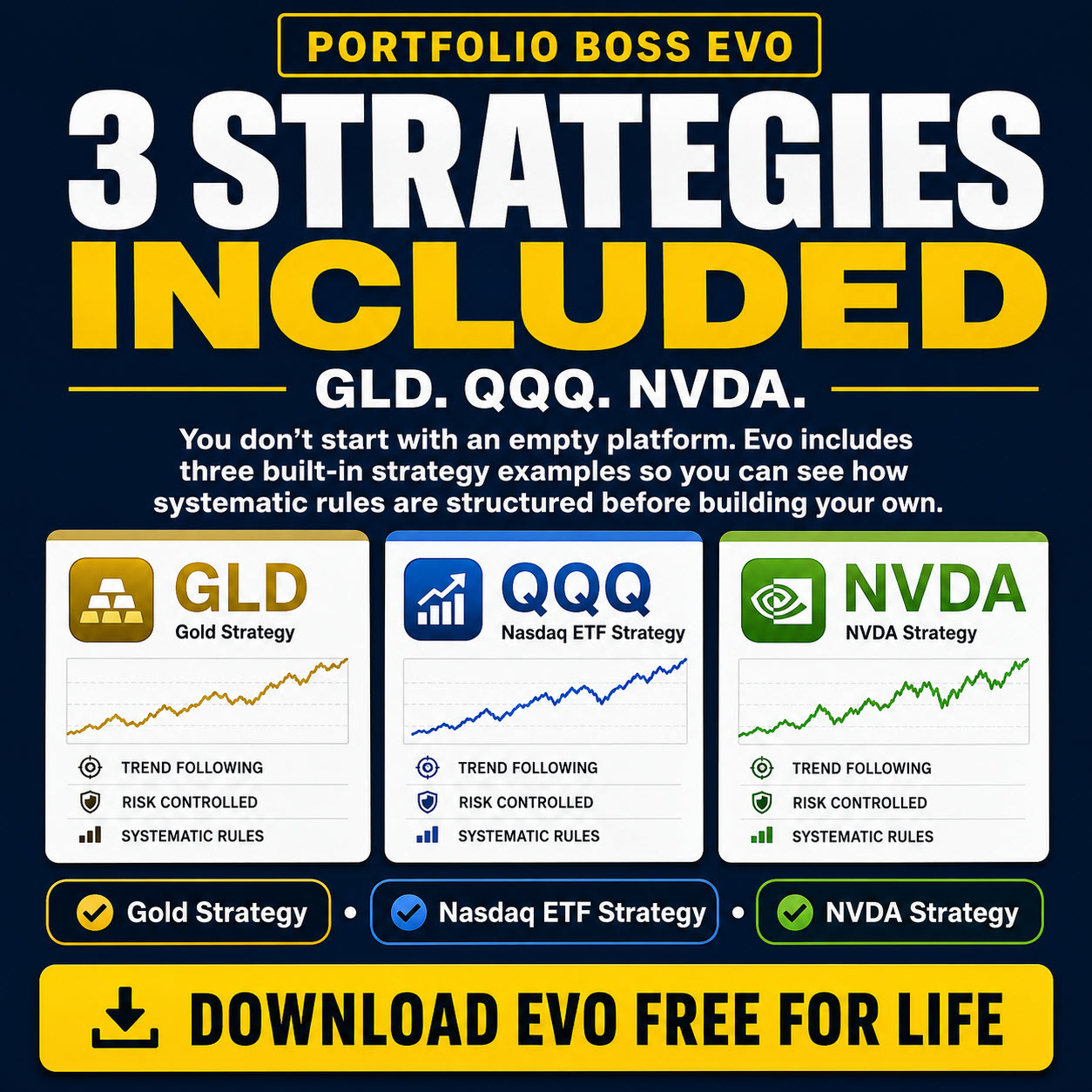
Welcome to the Portfolio Boss user guide. Start with the task you want to complete, then open the focused article for the controls you need. The guide supports a simple progression: begin with a supplied template, review its tests and manage selected strategies through the Trading Dashboard.
Start here
| Your task | Start with |
|---|---|
| I am new to Portfolio Boss | Quick Start Guide |
| I want readable colors, text and controls | Appearance Tab |
| I want to protect or move my work | Database Tab |
| I want to test a strategy | Strategy Builder Overview |
| I want to review machine-learning candidates | Divine Engine Test Results |
| I want to manage account automation | Trading Dashboard Overview & APM |
Chapter 1 — Introduction
Start with the quick start, then consult installation requirements as needed.
Chapter 2 — Portfolio Management
Create and maintain the instrument collections used by strategies.
- Portfolio Management Page Overview
- Portfolios Panel
- Portfolio Instruments Panel
- Instrument Chart Panel
- Search and Sync Details
Chapter 3 — Strategy Management
Organize strategies, select a type and manage working copies and backups.
Chapter 4 — Strategy Builder
Configure a strategy and read its historical test reports.
- Strategy Builder Overview
- Strategy Panel
- System Settings Panel
- Backtest Panel
- Manual Results Tab
- Backtest Parameterization Panel
- Divine Engine Results Tab
- Overall Top Results Tab
- History Tab
- Ranking Panel
- A Strategy for Short Selling
- Instrument Tab
- Instruments Panel
- Metrics Tab
- Chart Tab
- Performance Tab
- Positions Tab
- Trade Signals Tab
- Stats Tab
- Sell Filters Panel
- Buy Filters Panel
- Exporting the Backtest Results
Chapter 5 — Divine Engine and Boss
Learn engine concepts, manage tests and review candidate results.
- Introduction to The Divine Engine & The Boss
- Design Strategies from Scratch
- Augmenting a Strategy with New Rules
- Fine-tune a Strategy for the Best Settings
- Combining All the Features
- Cyber Code Genetic Programming
- Divine Engine Global Queue for Strategy Testing
- Divine Engine Test Results
Chapter 6 — Combine Strategies
Understand Multi and Meta strategy construction.
Chapter 7 — Filters and Rules
Use individual references when you need the definition of a specific rule.
Browse the filter and rule references
- Rate of Change (ROC) Index Filter
- Aroon Oscillator (ARO) Filter
- Rate of Change (ROC) Filter
- Bollinger Bands (BBands) Filter
- Chande Momentum Oscillator (CMO) Filter
- Average True Range (ATR) Filter
- Fixed ATR Stop Loss Filter
- Surprise Day Filter
- Average Percent Range (APR) Filter
- Moving Average Persistence Filter
- Moving Average Persistence Rule
- Day of the Week Filter
- Stochastic Oscillator Filter
- Chaikin Oscillator Filter
- MACD Filter
- High / Low Over Time Filter
- All-Time High/Low Filter
- Cash Equivalent Score Filter
- About Filters & Rules
- Correlation Filter
- Discount Filter
- Retracement Filter
- Top N% Threshold Filter
- Beta Index Filter
- Volatility Change Filter
- Volatility Range Percentile Filter
- Position Duration Filter
- N ATR Above/Below SMA Filter
- Moving Average Cross Over Filter
- Index ATR Spread Filter
- Kaufman Efficiency Ratio Filter
- Lowest Close Index Filter
- Perfect Stop Filter
- Price Range Filter
- Primitive Pattern Filter
- RSI Filter
- Simple Moving Average (SMA) Index Filter
- Simple Moving Average (SMA) Position Filter
- Volatility Change Index Filter
- Volatility Range Filter
- Volatility Range Percentile Index Filter
- ATR Distance Below SMA Rule
- Correlation Rule
- Index ATR Spread Rule
- Lowest Close Rule
- PB Pattern Score Rule
- Average Currency Volume Filter
- Goldilocks Filter
- Instrument Public Age Filter
- Lowest Close Position Filter
- Octane Indicator Filter
- Portfolio Position Limit Filter
- Portfolio Threshold Filter
- Price Range Index Filter
- Return Index Filter
- SMI Filter
- Impulse Score Rule
- Volatility Rule
- Strategy in Market Filter
Chapter 8 — Settings
Five current tabs cover display, notifications, database maintenance, trading defaults and other preferences.
- Settings Page Overview
- Automation Tab
- Appearance Tab
- Database Tab
- Trading Tab — Global Order Defaults
- Miscellaneous Tab
Chapter 9 — Help
Find answers and help resources.
Chapter 10 — Trading Dashboard and APM
Connect accounts, manage strategy allocations and review actual orders and holdings.
- Trading Dashboard Overview & APM
- Connect Accounts to the Trading Dashboard
- Monitor Account Value and Allocation
- Add Strategies and Inspect Positions
- Manage Strategy Funding and Rebalancing
- Configure Trading Order Settings
- Review Orders and Reconcile Broker Positions
- Reset, Stop Trading, and Remove a Strategy
Other application functions
Version information, logs and community resources.